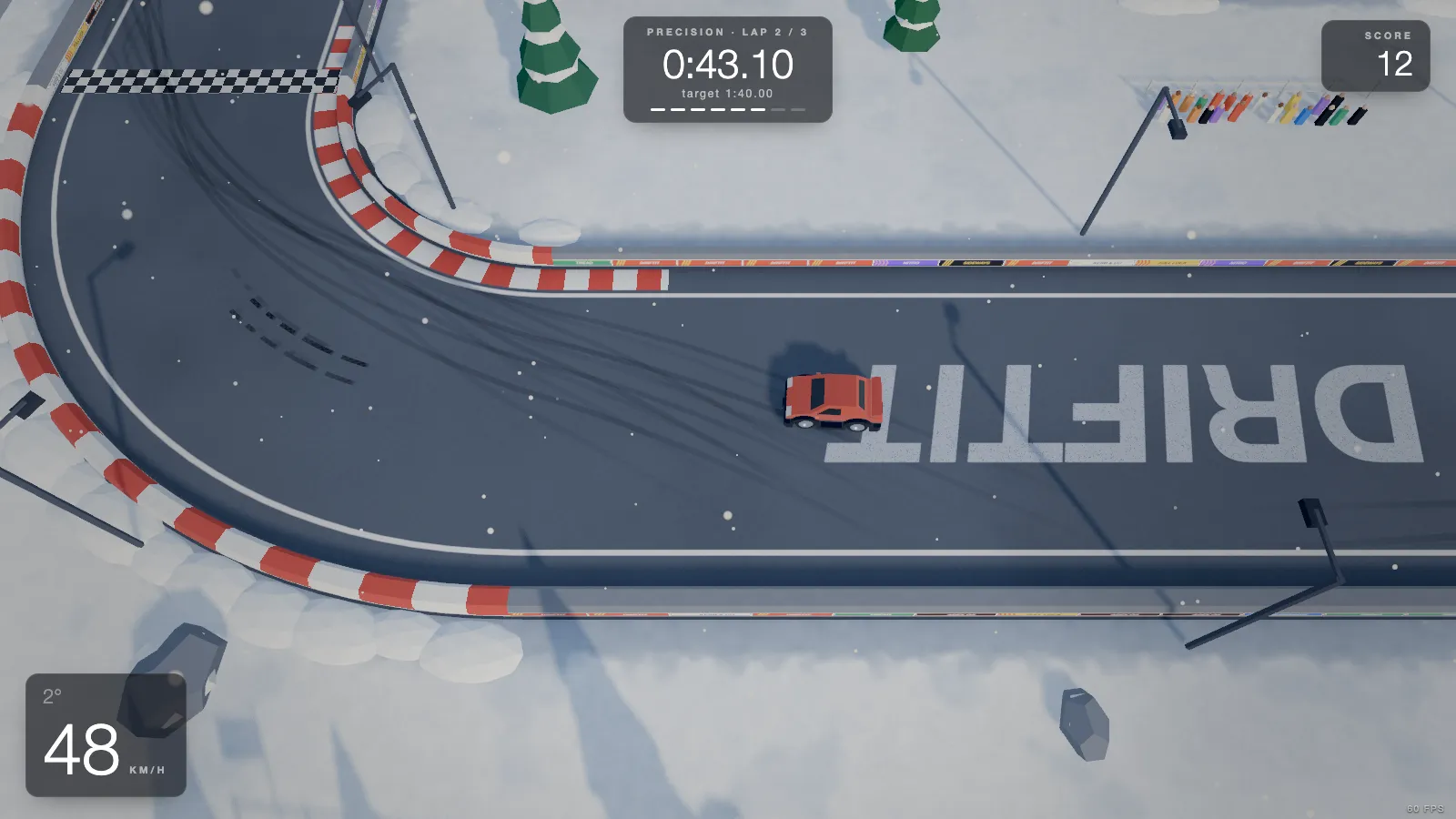
Know the rules of the clock
Before working on speed, know exactly what is being timed and what ends a run. In DRIFTIT:
- Every one of the 20 tracks is three laps, timed as one total. The clock starts when the car first moves.
- A lap only counts if you pass every checkpoint in order; there are 8 timing points per lap, the start line included.
- Any wall touch is a crash. The screen flashes CRASHED and the run restarts by itself a moment later. There is no penalty to absorb and no way to continue.
- Each track has a target time, about 25% slower than a test bot driving the same physics. Beat it to complete the track.
- The online leaderboard ranks your fastest total time; on a tie, the earlier run ranks first.
The third rule shapes everything else. A lap one second faster with a light touch of the wall is worth nothing. Clean comes first.
Step 1: a clean run you can repeat
Your first goal on a new track is three laps without touching anything, at whatever pace that takes. Then do it again. A repeatable lap is the baseline everything else is measured against; if your laps vary by two seconds because of small mistakes, you cannot tell whether a new line is faster.
Practical habits that help:
- Leave a margin to the walls. A car's width from the outside wall at the exit of each corner costs very little time and saves the run.
- Brake in a straight line for the slowest corners, then turn. Braking and turning hard at once is where cars run wide.
- Restart early. A big mistake on lap one means the run will not be a best. Press R (or Y on a pad) and start again rather than driving two more laps for nothing.
Step 2: slide only as much as the corner needs
In a drift game it is tempting to drift everything. For time, that is usually wrong. A sliding tyre grips less than a rolling one, and a spinning rear wastes power: in DRIFTIT a sliding rear keeps 62% of its grip and delivers only 60% of the engine's push. Every second sideways is a second of weaker acceleration. (The drifting explainer has the physics.)
That does not mean never slide. It means using it where it pays:
- Hairpins: a quick handbrake rotation at the entry turns the car faster than the front tyres can. Rotate, straighten, and get on the throttle early.
- Long sweepers: a shallow, steady slide or none at all. Big angles scrub speed for many seconds.
- Straights: straight. A car still sliding as it leaves the corner is losing time down the whole straight that follows.
The drift score does not affect the leaderboard. If you want points too, run for each separately; our scoring guide explains why a high-score run and a fast run look different.
Step 3: the line
The racing line is the path that lets you carry the most speed through a corner and, more importantly, out of it. The classic shape is outside, inside, outside. For time, the exit matters most, because the speed you leave a corner with stays with you down the next straight. That is why a late apex (turning in later, touching the inside after the middle of the corner) is usually faster in slow corners before straights.
Different corners want different compromises: a double hairpin wants you to sacrifice the first hairpin for the second, a decreasing-radius bend wants a slow entry. Our corner types guide goes through each, with the real radii from the game, and each track page lists its corners in order with a line to take.
The default top-down camera helps here: you can see the next two corners at once, so plan the exit of this one for the entry of the next.
Step 4: read the splits
Once you have finished a run, DRIFTIT shows a split every time you pass a timing point: a number like −0.42 (you are ahead of your best run by that many seconds at this point) or +0.42 (behind). It stays on screen for two seconds.
The split is the most useful number in the game, if you read it as a difference between two splits. If you are −0.20 at one timing point and +0.30 at the next, the half second went missing in that one section. That is where to work. Ignore the total until you have found the section; the total only tells you that something went wrong, not where.
The method:
- Find the section where the split gets worse the most.
- Change one thing there: brake a little later, turn in later, less angle, earlier throttle.
- Run it a few times. Keep the change only if that section's split improves and the run stays clean.
Step 5: use the ghost, do not chase it
Your best run is saved as a ghost: a see-through car that drives your personal best alongside you. Beat it and the new run becomes the ghost. It lives in your browser's storage, so it is per browser, and it is replaced only by a faster finished run.
The common mistake is racing the ghost: seeing it pull ahead and pushing harder everywhere to catch it. That is how runs end in a wall. Use it instead to see where it gains. If the ghost pulls away on a corner exit, it got on the throttle earlier or straighter there. If it gains on the entry, it braked later or rotated faster. Then go back to step 4 and work on that one place.
Two more ghost habits, true in most racing games:
- A ghost that is far ahead is less useful. If it is out of sight, you learn nothing from it. Improve in small steps so the ghost stays close.
- A ghost from a different line teaches more. When you try a new line, finish one run with it even if it is slower; the next runs then show exactly where the new line gains and loses.
Step 6: use the target times as goals
Targets in DRIFTIT run from 1:10.00 to 2:35.00 for three laps. They are a first goal, not a record: about a quarter slower than a bot that drives the real physics, so a clean, sensible run beats them. Here is the average speed each one asks of you, computed from the track lengths:
| # | Track | Lap length | Target (3 laps) | Average speed to beat it |
|---|---|---|---|---|
| 1 | Oval | 271 m | 1:15.00 | 39 km/h |
| 2 | Sweepers | 295 m | 1:30.00 | 35 km/h |
| 3 | Chicane | 345 m | 1:55.00 | 32 km/h |
| 4 | Hairpin | 326 m | 1:40.00 | 35 km/h |
| 5 | Esses | 435 m | 2:15.00 | 35 km/h |
| 6 | Long Left | 248 m | 1:25.00 | 31 km/h |
| 7 | Kidney | 356 m | 1:50.00 | 35 km/h |
| 8 | Double Hairpin | 412 m | 2:15.00 | 33 km/h |
| 9 | Carousel | 236 m | 1:10.00 | 36 km/h |
| 10 | Snake | 439 m | 2:10.00 | 36 km/h |
| 11 | Mirror Chicane | 304 m | 1:45.00 | 31 km/h |
| 12 | Spiral | 478 m | 2:25.00 | 36 km/h |
| 13 | Switchback | 246 m | 1:30.00 | 30 km/h |
| 14 | Boomerang | 282 m | 1:20.00 | 38 km/h |
| 15 | Long Right | 404 m | 2:05.00 | 35 km/h |
| 16 | Zigzag | 403 m | 2:10.00 | 33 km/h |
| 17 | Tight | 244 m | 1:35.00 | 28 km/h |
| 18 | Endurance | 537 m | 2:35.00 | 37 km/h |
| 19 | Precision | 266 m | 1:40.00 | 29 km/h |
| 20 | Final | 474 m | 2:30.00 | 34 km/h |
If you miss a target by a lot, the problem is almost always crashes or big slides, not raw pace. Once you beat it, the next goal is the leaderboard: each track page shows the current record.
A practice plan
- Oval: two sweepers. Learn how little angle a fast lap needs.
- Hairpin: a long straight into a 14 m hairpin. Learn the late apex and the early throttle.
- Precision: 16 m wide, the narrowest in the game along with Final. Every wall is close, so this is where clean driving becomes a skill.
- Endurance: the longest lap. Three laps of it test whether your clean runs are really repeatable.
Once times start to come, the scoring and technique side is covered in linking drifts, and if you want more games built around the clock, see our list of time trial racing games.